
Understand difficult topics
Short explanations, diagrams, worked examples and read-aloud support turn abstract ideas into manageable steps.
STEMSphere helps Nigerian secondary-school learners move from theory to real understanding through visual lessons, practical activities, quizzes and AI guidance. Core learning stays in English while difficult ideas can be reinforced in Yorùbá, Hausa or Igbo.


class levels from JSS 1 to SS 3
subject and pathway options across the curriculum
learning support on phone, tablet or computer
Students understand better when explanations are visual, practice is immediate and learning can continue at their own pace.
Short explanations, diagrams, worked examples and read-aloud support turn abstract ideas into manageable steps.
Interactive checks and quizzes show what a learner understands and where another attempt is needed.
Nigerian examples, class-level pathways and language support connect school concepts to familiar situations.
These are examples of the visual, practical lessons already included in the platform. Sign in to open the full lesson library and save progress.
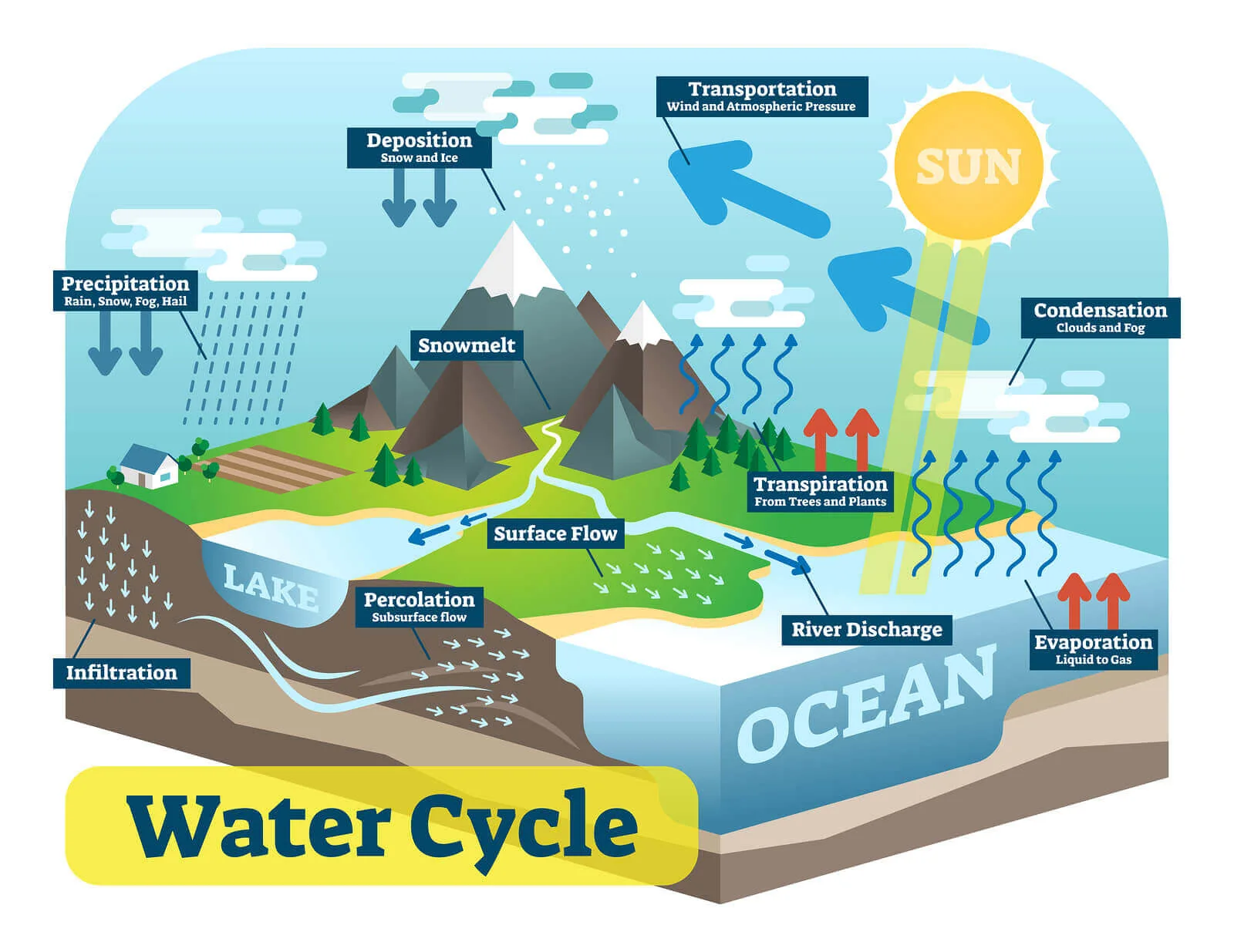 Agricultural Science
Follow water through evaporation, condensation, rainfall, soil and crop production.
Open after sign-in →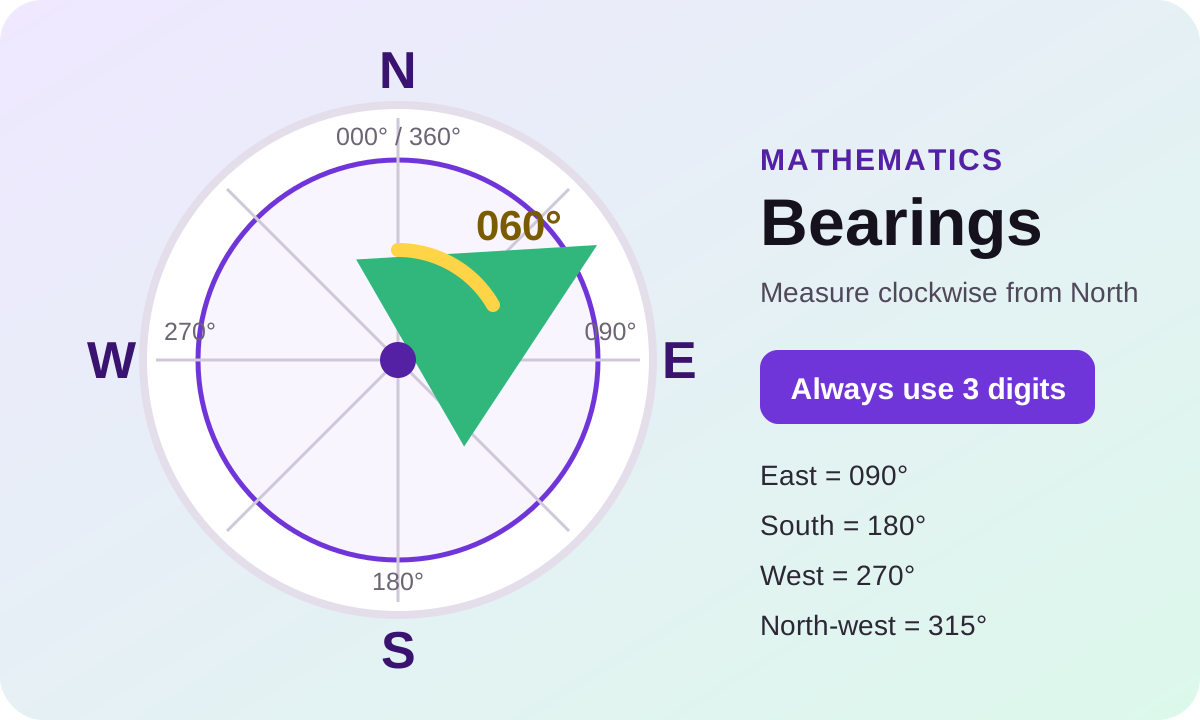 Mathematics
Measure clockwise from North, write three-figure bearings and calculate back bearings.
Open after sign-in →Explore structural, behavioural and colour adaptations that help organisms survive.
Open after sign-in →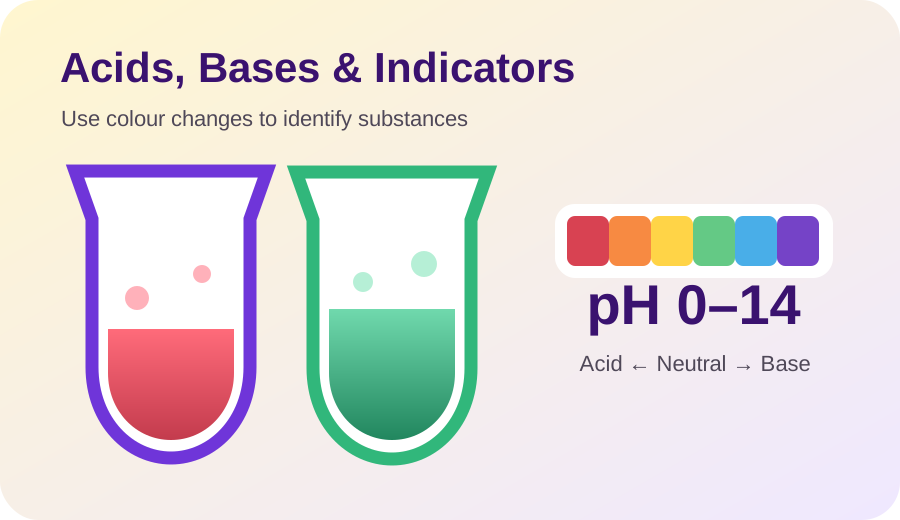 Chemistry
Classify substances, understand indicators and connect pH to everyday materials.
Open after sign-in →STEMSphere connects what students read, what they practise and what teachers or parents need to see. The public page explains the experience; secure accounts protect personal progress and school information.
Each person signs in to a workspace designed around what they need to do.
Learn, practise, ask questions and track progress.
Student space →Teach classes, set work and support weak areas.
Teacher space →Follow linked learners and encourage improvement.
Parent space →Manage schools, people, content and reporting.
Admin space →Open the workspace for a student, teacher, parent or administrator.
Follow a learning path that matches the learner’s level.
Use explanations, visuals, practical activities and quizzes.
Return to weak topics and build mastery over time.
Start with a student account, or choose another role that matches how you support learning.